Vibe coding resource #7: Copilot vs Claude team guide
Your team just adopted AI coding tools and now half the developers use Copilot while the other half swear by Claude. Pull requests look inconsistent, nobody agrees on prompting conventions, and the productivity gains you expected turned into a coordination headache. This guide gives you a concrete framework for choosing between GitHub Copilot and Claude at the team level, setting shared standards, and making both tools work together when that is the right call.

Your team just adopted AI coding tools and now half the developers use Copilot while the other half swear by Claude. Pull requests look inconsistent, nobody agrees on prompting conventions, and the productivity gains you expected turned into a coordination headache. This guide gives you a concrete framework for choosing between GitHub Copilot and Claude at the team level, setting shared standards, and making both tools work together when that is the right call.
Photo by Markus Winkler from Pexels
TL;DR:- GitHub Copilot excels at inline autocomplete, small code generation inside the editor, and tight IDE integration across VS Code, JetBrains, and Neovim.
- Claude (via Claude Code or the API) handles multi-file reasoning, architecture-level prompts, and longer context windows for complex refactors.
- Most teams benefit from standardizing on one tool for daily coding and using the other for specific tasks, rather than letting everyone pick randomly.
Why tool choice matters for teams
A solo builder can switch between Copilot and Claude five times a day without consequences. Teams cannot. When three people generate code with different AI tools using different prompting styles, the codebase drifts. Naming conventions diverge. Error handling patterns split. Code reviews slow down because reviewers now audit AI-generated output they did not write and cannot predict.
The cost is not abstract. Inconsistent AI-assisted code increases review time, introduces subtle bugs that only surface in production, and creates friction during onboarding. Picking a primary tool and establishing shared prompting conventions eliminates most of that waste.
Where Copilot wins

GitHub Copilot is built for speed inside the editor. Its strengths show up in specific, repeatable scenarios:
- Inline autocomplete that predicts the next 1-15 lines based on the current file context. For writing boilerplate, test cases, and repetitive CRUD operations, Copilot is faster than typing.
- IDE-native experience. Copilot lives inside VS Code, JetBrains, and Neovim as a first-class plugin. No terminal switching, no copy-paste between browser tabs.
- Copilot Chat provides in-editor Q&A scoped to the open file or workspace. Useful for quick explanations ("what does this regex do?") without leaving the flow.
- GitHub ecosystem integration. Copilot pulls context from your repository, understands your project structure, and works with GitHub Actions, PR descriptions, and issue references.
Where Claude wins

Claude (Anthropic's model, accessed through Claude Code, the API, or the web interface) operates differently. It is not an autocomplete engine. It is a reasoning partner that handles longer, more complex tasks:
- Multi-file reasoning. Claude Code can read your entire project, understand how modules connect, and generate changes across multiple files in one pass. Copilot's context window is smaller and file-scoped.
- Architecture-level prompts. Ask Claude to "refactor this Express app from callbacks to async/await across all route handlers" and it produces a coherent plan. Copilot handles one function at a time.
- Longer context windows. Claude's 200K token context means you can paste an entire codebase summary, a spec document, and ask for implementation. Copilot's context is limited to what fits in the current editor view plus nearby files.
- Conversational iteration. Claude remembers the full conversation. You can refine, correct, and build on previous outputs across dozens of turns.
"And I did it with an unusual workflow, 80% Claude Code, then a mixture of o3 for color research and Cluely for UI feedback (I'll dig into it below).">, The Claude Code Complete Guide: Learn Vibe
That quote captures a real pattern: Claude Code as the primary workhorse for substantial coding tasks, with other tools filling specific gaps.
Side-by-side comparison
Here is how the two tools stack up across the dimensions that matter most for team adoption:
| Dimension | GitHub Copilot | Claude (Code / API) |
|---|---|---|
| Best at | Inline autocomplete, small generations | Multi-file refactors, architecture prompts |
| Context window | ~8K tokens (editor-scoped) | 200K tokens |
| IDE integration | Native (VS Code, JetBrains, Neovim) | Terminal-based (Claude Code) or API |
| Team admin controls | Copilot Business/Enterprise dashboard | API key management, usage policies |
| Pricing (per seat/month) | $19-39 | Usage-based or Pro subscription |
| Learning curve | Low (just start typing) | Medium (prompting skill matters more) |
| Code review help | Copilot in PR summaries | Paste diff into Claude for analysis |
Step-by-step team adoption

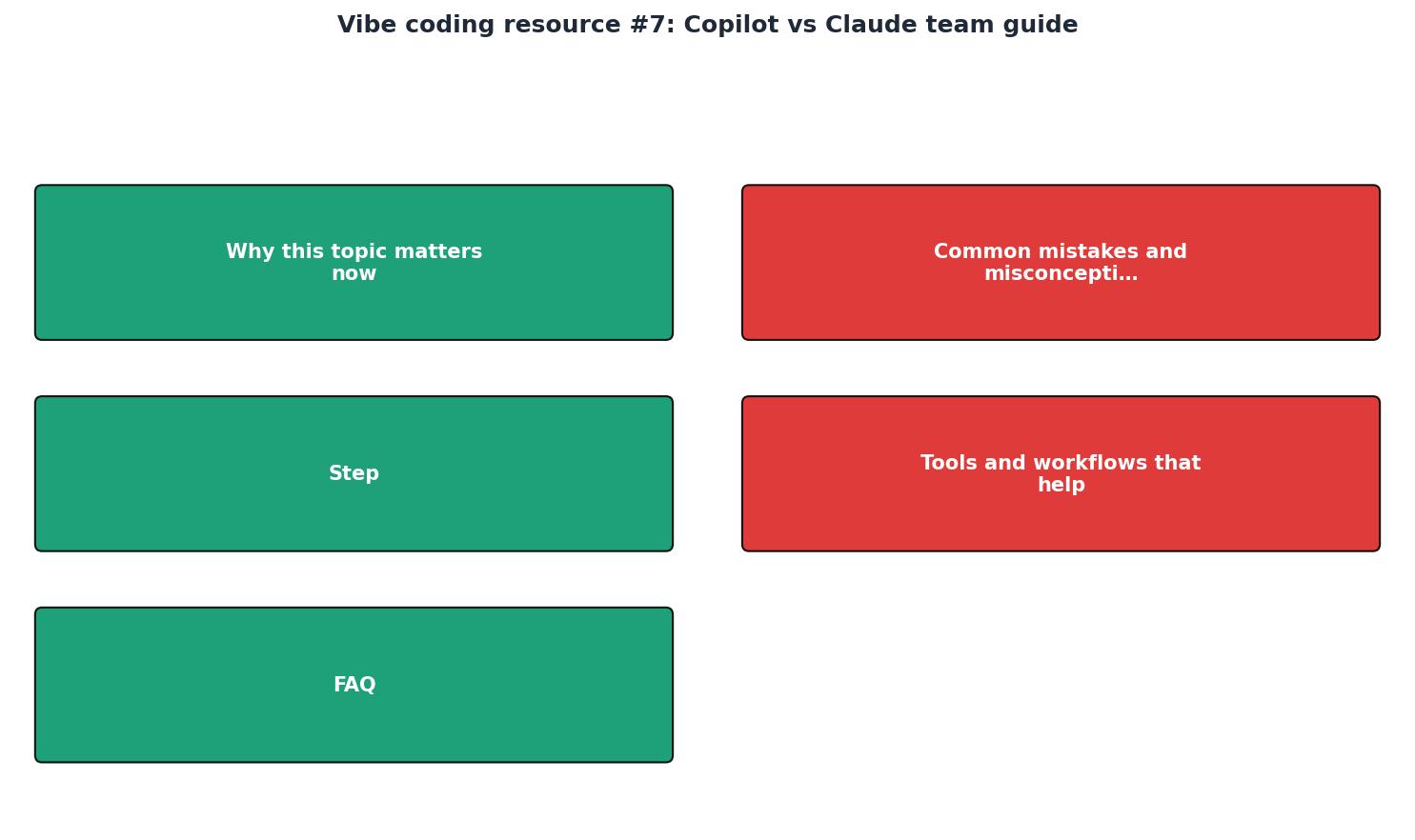
Here is a practical process for deciding and rolling out AI tools across your team. The diagram below summarizes the flow:
1. Audit current usage
Survey your team. Find out who uses what, how often, and for which tasks. You will likely discover that usage is fragmented and undocumented. That is normal. The goal is a baseline.
2. Define task categories
Split coding work into two buckets:
- Inline tasks: autocomplete, single-function generation, test writing, boilerplate. These are Copilot's territory.
- Complex tasks: multi-file refactors, architecture decisions, debugging across modules, spec-to-code generation. These are Claude's territory.
3. Pick a primary tool
If most of your team's work is inline tasks inside an IDE, standardize on Copilot. If your team regularly tackles complex refactors or works from detailed specs, standardize on Claude Code. Many teams pick Copilot as the daily driver and Claude for weekly deep-work sessions.
4. Write prompting conventions
Document how your team prompts the chosen tool. Include examples of good prompts, naming conventions to use in generated code, and patterns to avoid. Store this in your repo's CONTRIBUTING.md or a dedicated AI_GUIDELINES.md file.
5. Review and iterate
After two weeks, review the results. Check code review velocity, bug rates in AI-generated code, and developer satisfaction. Adjust the guidelines based on what you find.
The dashboard below shows an example of what a team's AI tool usage breakdown might look like after running this process for a month:
Team AI Tool Usage (Example: 4-week snapshot)
Common mistakes to avoid
Teams make the same errors repeatedly when adopting AI coding tools:
- No shared guidelines. Everyone prompts differently, code style drifts, reviews become painful. Fix this on day one.
- Treating all tasks the same. Using Copilot for a 15-file refactor wastes time. Using Claude for a one-line autocomplete wastes money. Match the tool to the task.
- Ignoring context setup. Claude Code performs dramatically better when you provide a
CLAUDE.mdfile in your repo root describing the project structure, conventions, and constraints. Copilot performs better with descriptive function signatures and JSDoc/docstring comments. - Skipping code review for AI output. AI-generated code needs the same review rigor as human-written code. Sometimes more, because AI confidently produces plausible-looking bugs.
Letting each developer pick their own tool with no coordination.This is the default, and it creates the most friction.
Team AI Tool Adoption Checklist
Your progress is saved automatically in your browser.
FAQ
Frequently Asked Questions
Additional Resources
- The Claude Code Complete Guide: Learn Vibe-Coding & ... - Claude Code is fundamentally different from GitHub Copilot or Cursor, a conversational, task-oriented manner.
- Claude Code vs GitHub Copilot: Better Together? - Copilot reduces friction for in-flow completions. Claude Code gives you more power but changes how you interact with the tool. For teams where ...
- Claude Code vs GitHub Copilot: Which tool is right for you? - Claude Code is a strong choice for teams that value the capabilities and working style of Anthropic's models. GitHub Copilot offers more ...
Ready to Master Vibe Coding?
Learn to build software faster with AI assistance using the Vibe Coding Bible.
Get Started