Choosing the Right AI Tools for Data-Centric Projects
Picking the wrong AI tool for a data-centric project costs more than a license fee. It costs months of integration work, retraining, and migration headaches that your team absorbs silently until the next planning cycle. The right tool selection process starts with understanding your data characteristics, your team's existing stack, and the scale you need to reach within 12 months. This guide gives you a concrete framework for evaluating, comparing, and committing to AI tools that actually fit your organization.


Picking the wrong AI tool for a data-centric project costs more than a license fee. It costs months of integration work, retraining, and migration headaches that your team absorbs silently until the next planning cycle. The right tool selection process starts with understanding your data characteristics, your team's existing stack, and the scale you need to reach within 12 months. This guide gives you a concrete framework for evaluating, comparing, and committing to AI tools that actually fit your organization.
Photo by Pavel Danilyuk from Pexels
TL;DR:- Evaluate AI tools against five criteria: data format support, integration depth, scalability ceiling, governance features, and total cost of ownership.
- No single tool wins across all categories. Match tool strengths to your project's primary data type and pipeline architecture.
- Build a 30-day proof-of-concept with real production data before committing to any platform.
Why tool selection decides project outcomes
Every data-centric project lives or dies by the tools that process, transform, and analyze its data. Choose a tool optimized for batch processing when your project needs real-time streaming, and you will spend six months building workarounds that a different tool handles natively.
The cost of switching tools mid-project is brutal. Your team has already built connectors, written transformation logic, and trained on the platform's API. Ripping that out means rewriting code, revalidating outputs, and losing momentum at the worst possible time.

Three factors make this decision harder than picking a web framework or a CI/CD platform:
- Data gravity locks you in. Once terabytes of data flow through a tool, moving becomes exponentially expensive.
- Team skill distribution varies. A tool that your ML engineers love might be unusable for your data analysts.
- Compliance requirements differ by industry. Healthcare, finance, and government projects each impose constraints that eliminate entire categories of tools.
Five criteria for evaluating AI tools

Stop evaluating tools by feature count. Start evaluating them by how well they solve your specific constraints. Here are the five criteria that matter:
1. Data format and source support. Does the tool natively handle your primary data types? If you work with structured SQL databases, unstructured text, image data, or streaming event logs, the tool needs first-class support for that format. "Supports CSV import" is not the same as "handles 500GB Parquet files with partitioning."
2. Integration depth. How does the tool connect to your existing stack? Look for native connectors to your data warehouse (Snowflake, BigQuery, Redshift), your orchestration layer (Airflow, Dagster, Prefect), and your deployment targets (Kubernetes, serverless functions). Every missing connector is custom code your team maintains forever.
3. Scalability ceiling. Test the tool at 10x your current data volume. If it chokes, you will hit that wall sooner than you expect. Check whether scaling is horizontal (add more nodes) or vertical (buy a bigger machine). Horizontal scaling is almost always preferable for data-centric work.
4. Governance and security features. Role-based access control, audit logging, data lineage tracking, and encryption at rest are not optional for production data projects. If the tool treats these as premium add-ons, factor that cost into your evaluation.
5. Total cost of ownership (TCO). License fees are the visible part. Add compute costs, storage costs, training time, and the engineering hours spent on integration and maintenance. A "free" open-source tool with 200 hours of setup work is not free.
How leading AI tools compare
"Most AI analytics tools fall into a few functional categories:.">, Top 12 AI Tools for Data Analysis in 2026
The AI tooling landscape breaks into distinct categories. Each category excels at different parts of the data lifecycle. Here is how the major players stack up across the five evaluation criteria:
| Criteria | Databricks | Snowflake + Cortex | Google Vertex AI | AWS SageMaker | Domo |
|---|---|---|---|---|---|
| Data format support | Excellent (multi-format) | Strong (structured) | Strong (multi-modal) | Excellent (multi-format) | Good (structured/BI) |
| Integration depth | Deep (Spark ecosystem) | Deep (SQL ecosystem) | Deep (GCP native) | Deep (AWS native) | Moderate (API-based) |
| Scalability | Horizontal, elastic | Automatic scaling | Horizontal, managed | Horizontal, managed | Vertical, managed |
| Governance | Unity Catalog, lineage | Access policies, masking | IAM, VPC-SC | IAM, VPC, encryption | Role-based, SSO |
| TCO (mid-size team) | Medium-high | Medium | Medium-high | Medium-high | Medium |
Databricks dominates when your project spans the full ML lifecycle: data engineering, feature engineering, model training, and serving. Its Unity Catalog provides strong governance. The downside is complexity. Small teams can drown in configuration.
Snowflake with Cortex AI works best when your data is already in Snowflake and your team thinks in SQL. Cortex brings ML functions directly into SQL queries. Limited if you need custom model training or work heavily with unstructured data.
Google Vertex AI is the natural choice for GCP-native organizations. AutoML capabilities lower the barrier for teams without deep ML expertise. Lock-in to GCP is the obvious trade-off.
AWS SageMaker offers the broadest feature set but also the steepest learning curve. Best for teams already invested in the AWS ecosystem with dedicated ML engineers.
Domo targets business intelligence and analytics use cases. Strong for dashboards and self-service analytics. Not built for custom model development or complex data engineering pipelines.
The following dashboard illustrates how a typical evaluation might score these tools for a mid-size data engineering project:
Weighted Evaluation Scores
Example: mid-size data engineering project (100-point scale)
These scores shift dramatically based on project type. A BI-focused analytics project would push Domo and Snowflake higher. A computer vision pipeline would favor Vertex AI or SageMaker.
Scalability as a selection filter

Scalability is not a feature you need "someday." Data volumes grow faster than anyone predicts. A tool that handles your current 50GB dataset gracefully might collapse at 500GB, and you will reach 500GB within a year if the project succeeds.
Test these scalability dimensions before committing:
- Data volume scaling. Load 10x your current dataset. Measure query times, transformation throughput, and memory usage.
- Concurrent user scaling. Simulate your full team plus downstream consumers hitting the platform simultaneously.
- Pipeline complexity scaling. Add branching logic, multiple data sources, and error handling to your test pipeline. Simple demos always work. Production pipelines never stay simple.
- Cost scaling. Check whether costs scale linearly or exponentially with data volume. Some platforms charge per query scan, which can explode with large datasets.
Aligning tools with strategic goals
Tool selection is a strategic decision, not a technical one. The CTO or engineering lead who treats it as purely technical will end up with a tool that works in isolation but creates friction across the organization.
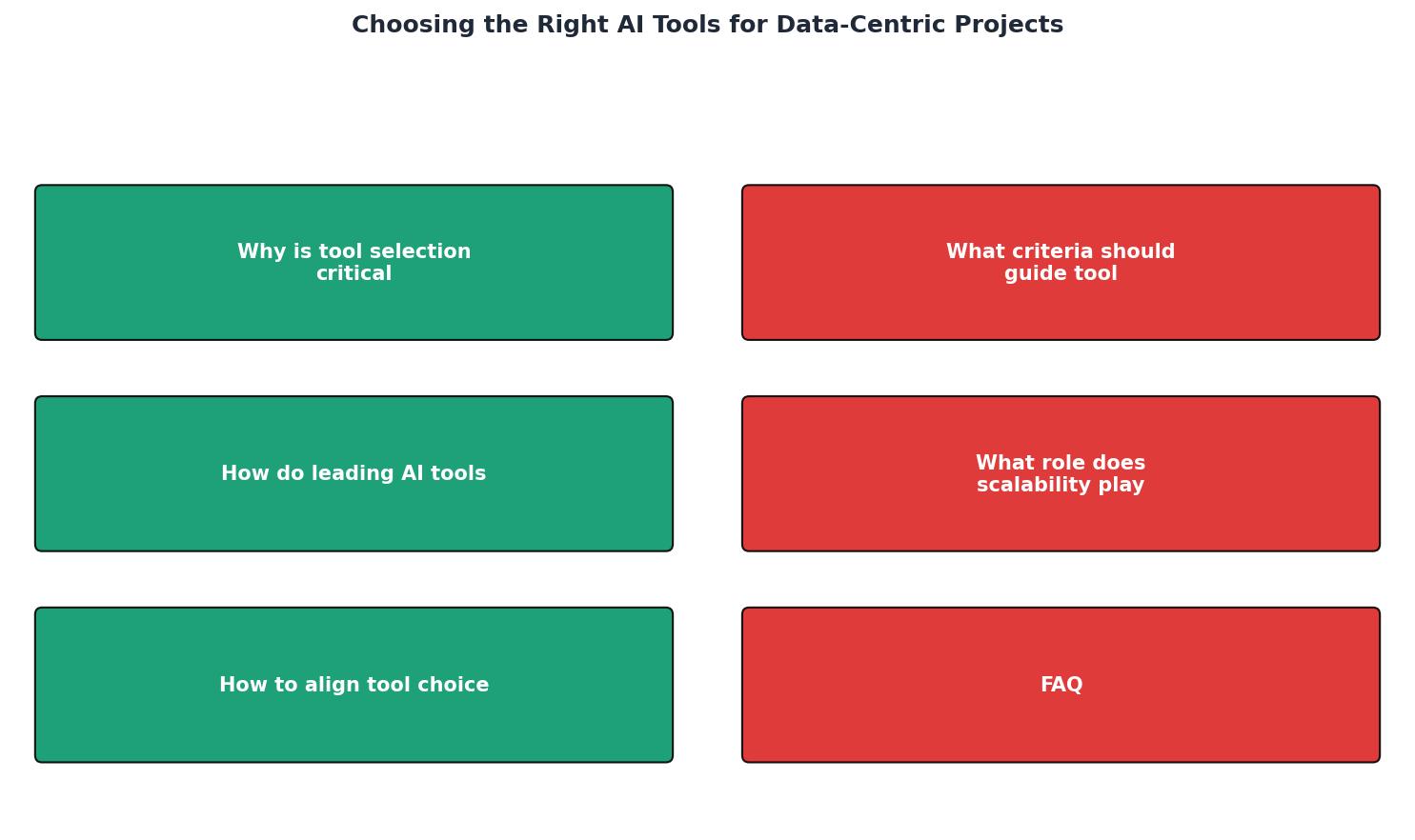
Follow this alignment process:
- Define data strategy first. What data capabilities does the organization need in 12 months? Real-time analytics? Predictive modeling? Self-service BI? The answer narrows your tool category before you evaluate individual products.
- Audit existing infrastructure. Map your current data stack: warehouses, lakes, orchestrators, BI tools, and monitoring. The new AI tool must integrate with what exists, not replace everything.
- Assess team capabilities. A tool that requires deep Spark expertise is wrong for a team of SQL analysts. Match tool complexity to team skills, or budget for training.
- Run a 30-day proof-of-concept. Use real production data, real pipelines, and real team members. Track setup time, integration effort, query performance, and team satisfaction.
- Calculate 3-year TCO. Include licenses, compute, storage, training, hiring, and maintenance. The cheapest tool in year one is often the most expensive by year three.
AI Tool Evaluation Checklist for Data-Centric Projects
Your progress is saved automatically in your browser.
FAQ
Frequently Asked Questions
Additional Resources
- Top 12 AI Tools for Data Analysis in 2026 - How to choose the right AI data analysis tool. The comparison table helps narrow options, but the right choice depends on your specific context.
- Choosing The Right AI Tool For Data Projects - Choosing the right AI tool for data projects means matching different AI models to specific tasks and goals, rather than searching for a single “best” option.
- AI Data Analytics Tools in 2026: Top Platforms Compared - A comparison of the leading AI data analytics tools, with a focus on governance, explainability, security, and enterprise AI capabilities.
Ready to Master Vibe Coding?
Learn to build software faster with AI assistance using the Vibe Coding Bible.
Get Started