Automating Testing with AI Tools: A Comprehensive Guide
You wrote the tests. You ran them manually. You watched them break for the third time this week because someone changed a CSS class. Manual testing does not scale, and bolting on basic automation scripts only gets you so far before maintenance becomes its own full-time job.

You wrote the tests. You ran them manually. You watched them break for the third time this week because someone changed a CSS class. Manual testing does not scale, and bolting on basic automation scripts only gets you so far before maintenance becomes its own full-time job. AI-driven testing tools now handle test generation, self-healing locators, and intelligent prioritization so your team ships faster without sacrificing coverage.
Photo by Daniil Komov from Pexels
TL;DR:- AI testing tools like Selenium with AI plugins, Test.ai, and Applitools reduce manual test maintenance by auto-healing broken selectors and generating new test cases from usage patterns.
- Setup involves choosing a framework, integrating an AI layer for element recognition, and connecting everything to your CI/CD pipeline.
- The biggest wins come from regression suites and visual testing, where AI catches layout shifts humans miss.
Why automate testing with AI?
Traditional test automation already saves time compared to clicking through screens by hand. But traditional scripts are brittle. A renamed button ID breaks fifty tests overnight. AI-augmented testing adds a layer that recognizes elements by visual context, not just DOM attributes, so tests survive UI refactors without constant babysitting.
The practical benefits break down into three categories:
- Reduced maintenance - Self-healing locators mean fewer broken tests after each deploy.
- Broader coverage - AI can generate edge-case inputs and exploratory paths your team never thought to write.
- Faster feedback loops - Intelligent test prioritization runs the most relevant tests first, cutting pipeline time.
That number is not theoretical. Teams adopting AI-driven test frameworks consistently report cutting their regression cycle duration by more than half.
"Reduce your testing time by 60% by automating repeat processes that are a significant time drain in test automation.">, AI in Test Automation: A Comprehensive Guide
Fewer false positives means your developers actually trust the test suite. When every red build is a real problem, people stop ignoring CI notifications.
How Selenium enables AI testing
Selenium remains the most widely adopted browser automation framework. On its own, it is a reliable but dumb executor: it clicks what you tell it to click, using the exact locator you provide. The AI layer comes from plugins and companion tools that sit on top of Selenium's WebDriver protocol.
Setting up Selenium with AI plugins
Here is the typical workflow:
- Install Selenium WebDriver for your language (Python, Java, JavaScript, C#).
- Add an AI locator plugin like Healenium or Testim's Selenium integration. Healenium intercepts failed locators and attempts to find the correct element using a scoring algorithm trained on previous DOM snapshots.
- Configure the plugin to store element snapshots in a local database (Healenium uses PostgreSQL by default).
- Write your tests as normal Selenium tests. When a locator breaks, the AI layer proposes a fix and logs the change.
- Review healed locators periodically. Accept the ones that are correct, reject false matches.
What Selenium alone cannot do
Selenium does not generate tests. It does not understand what your application should look like. For visual regression and intelligent test generation, you need a dedicated AI testing platform.
What Test.ai brings to automation
Test.ai uses computer vision and machine learning to identify UI elements the way a human would: by looking at them. Instead of relying on XPath or CSS selectors, it classifies elements as "login button", "search field", or "navigation menu" based on visual features.
Key capabilities:
- Element classification - Recognizes standard UI patterns (buttons, inputs, dropdowns) across platforms without custom locators.
- Self-healing tests - When the UI changes, Test.ai re-identifies elements by their visual role, not their code attributes.
- Cross-platform support - The same test logic works on iOS, Android, and web because the AI sees screens, not DOM trees.
- Exploratory testing - Test.ai can crawl an application autonomously, identifying interactive elements and exercising them to find crashes or unexpected behavior.
Integration process
Test.ai plugs into your existing Appium or Selenium setup. You replace standard locator strategies with Test.ai's AI-based locators in your test scripts. The integration typically takes a day for a small suite and a week for a large enterprise project.
The following dashboard shows a typical comparison of key metrics when evaluating AI testing tools for your team:
AI Testing Tool Comparison
Scores above reflect a weighted average of setup ease, maintenance reduction, CI/CD integration, and cross-platform support based on publicly available feature comparisons.
Implementing AI-driven testing

Picking a tool is step one. Making it work inside your actual development workflow is where most teams stall. The process diagram below shows the end-to-end flow from tool selection to production monitoring:
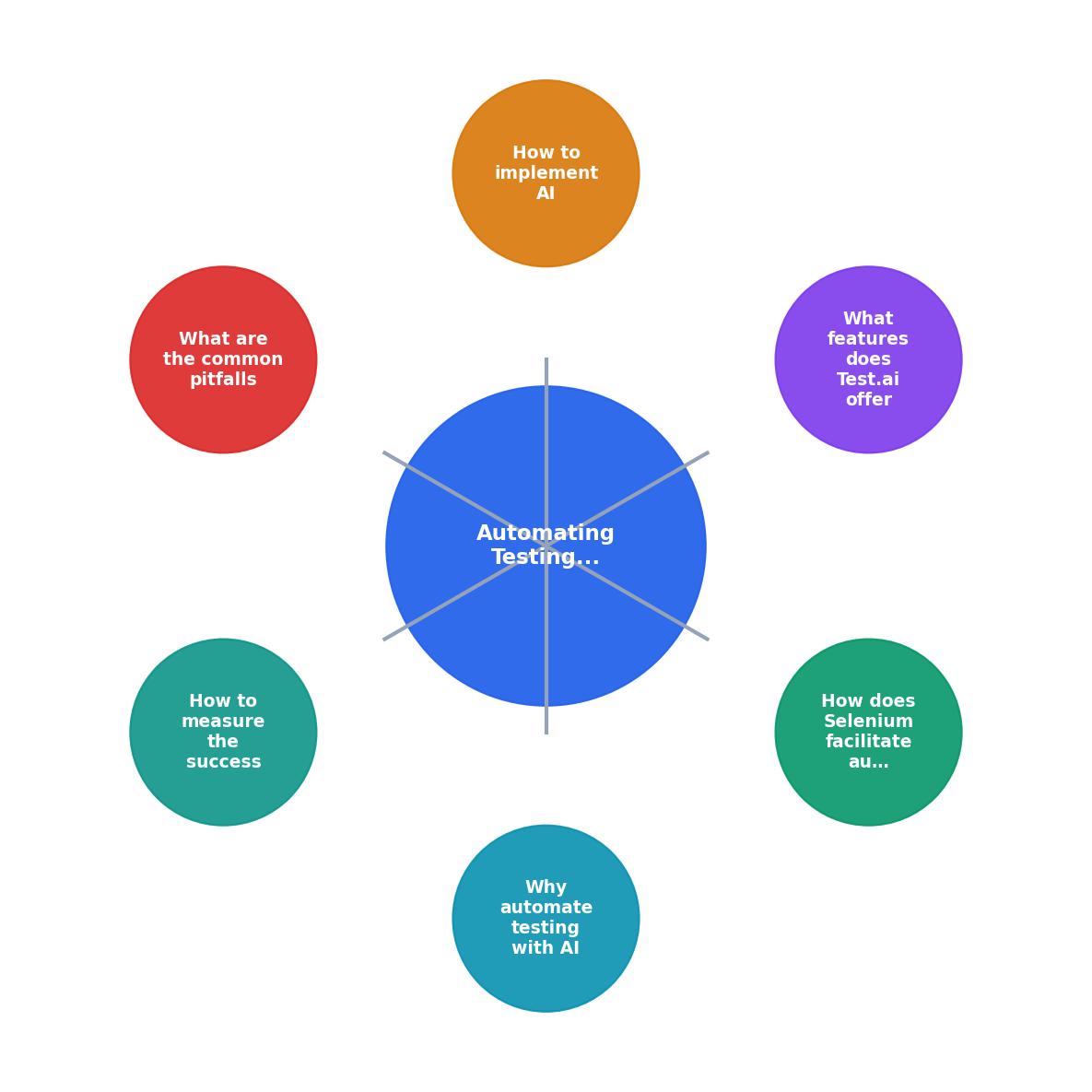
The steps break down as follows:
- Select tool - Match your stack (web-only vs. mobile, language, CI system) to the tool's strengths.
- Configure environment - Install dependencies, set up the AI plugin's database or cloud connection, and create a dedicated test runner in your CI pipeline.
- Migrate critical tests - Start with your top 20 most-broken tests. These are the ones that fail most often due to locator issues, not actual bugs. Convert their locators to AI-backed selectors.
- Run parallel - Keep old tests running alongside AI-augmented tests for two to four sprints. Compare failure rates.
- Expand coverage - Once confidence is established, migrate remaining tests and enable AI exploratory testing on staging environments.
- Monitor and tune - Review healed locators weekly. Adjust confidence thresholds. Remove tests that the AI flags as redundant.
Common pitfalls in AI testing
Every tool has failure modes. AI testing tools have specific ones you should watch for:
- Over-trusting self-healing - A healed locator might click the wrong button and still produce a green test. Always review healed elements in the first few weeks.
- Ignoring training data drift - Visual AI models trained on your app's old design may misclassify elements after a major redesign. Retrain or recalibrate after large UI overhauls.
- Skipping deterministic tests - AI is great for UI and visual testing. For unit tests and pure logic validation, traditional assertions are faster and more reliable. Do not force AI into every layer.
- Vendor lock-in - Some AI testing platforms use proprietary test formats. Prefer tools that export to standard formats (JUnit XML, Allure) so you can switch without losing history.
- Neglecting flaky test analysis - AI tools generate data about test stability. If you ignore those reports, you lose half the value. Schedule a weekly 15-minute review of the AI dashboard.
| Manual Test Maintenance | AI-Augmented Maintenance |
|---|---|
| Fix locators after every UI change | Self-healing handles most locator breaks |
| Manually prioritize test runs | AI prioritizes by risk and change impact |
| Visual bugs caught by QA eyes only | Visual regression AI catches pixel-level shifts |
| Coverage gaps found in production | Exploratory AI finds gaps in staging |
| Hours spent on false positives | Confidence scoring filters noise |
Measuring AI testing success
You need concrete metrics to justify the investment and catch problems early. Track these:
- Test maintenance hours per sprint - This should drop within the first month. If it does not, your configuration needs adjustment.
- False positive rate - Percentage of test failures that are not real bugs. AI tools should push this below 5%.
- Mean time to detect (MTTD) - How quickly your suite catches a real regression after code is merged. AI prioritization should reduce this.
- Coverage delta - Compare the number of unique application paths exercised before and after AI exploratory testing.
- Healed locator accuracy - What percentage of self-healed locators were correct? Below 90% means your confidence threshold is too low.
Set that 90% threshold as your minimum. Below it, the AI is guessing too aggressively and you will get silent test corruption.
Teams that stick with AI testing for a full quarter typically see maintenance effort drop to about 15% of what it was before. The remaining 15% is the review and tuning work that keeps the system honest.
For a deeper look at how AI fits into professional software development workflows, the Vibe Coding Bible covers testing strategies alongside architecture, security, and deployment practices for AI-assisted codebases.
AI-Driven Testing Implementation Checklist
Your progress is saved automatically in your browser.
FAQ
Frequently Asked Questions
Additional Resources
- AI in Test Automation: A Comprehensive Guide - Revolutionize test automation with AI! Explore how AI in test automation identifies bugs faster, optimizes test coverage and test maintenance.
- 8 Best AI Testing Tools in 2026: Compared and Reviewed - Compare the 8 best AI testing tools including Functionize, Mabl, Applitools, LambdaTest, and more. Find the right AI test automation ...
- AI Automation Testing: The Complete Guide to Intelligent QA - With AI tool for automation testing, the process of API testing is more simple in terms of faster test cases generation, responses validation, ...
Ready to Master Vibe Coding?
Learn to build software faster with AI assistance using the Vibe Coding Bible.
Get Started