Accessibility Standards for AI Coding
AI code generators produce markup and UI components at a speed no human can match, but speed means nothing if 20% of your potential users cannot interact with the result. Most AI-generated front-end code ships without proper ARIA attributes, skips keyboard navigation, and ignores color contrast ratios entirely. This guide gives you the exact standards, evaluation tools, and a ready-to-use checklist so every AI-assisted project you ship is inclusive from the first commit.

AI code generators produce markup and UI components at a speed no human can match, but speed means nothing if 20% of your potential users cannot interact with the result. Most AI-generated front-end code ships without proper ARIA attributes, skips keyboard navigation, and ignores color contrast ratios entirely. This guide gives you the exact standards, evaluation tools, and a ready-to-use checklist so every AI-assisted project you ship is inclusive from the first commit.
Photo by Markus Winkler from Pexels
TL;DR:- AI-generated code routinely fails WCAG 2.2 Level AA checks for contrast, focus order, and semantic HTML.
- Integrating axe-core, Lighthouse, and manual keyboard testing into your CI pipeline catches most issues before they reach production.
- A structured accessibility checklist turns compliance from an afterthought into a default part of every pull request.
Why accessibility is a code quality issue
Accessibility is not a feature request. It is a quality attribute, the same category as performance or security. When your AI assistant generates a That is not a niche audience. One in five users. If your test suite catches a broken API endpoint but ignores a missing Automated tools catch roughly 72% of common WCAG violations. The remaining 28% require manual review: logical reading order, meaningful link text, and whether focus management actually makes sense in context. A professional workflow covers both. Three standards form the foundation of accessible web development. Every AI-generated component should be evaluated against them. WCAG 2.2 (Web Content Accessibility Guidelines) is the primary specification. It defines four principles: Perceivable, Operable, Understandable, and Robust. Level AA is the baseline for legal compliance in most jurisdictions, including the EU's European Accessibility Act (effective June 2025) and ADA-related case law in the United States. WAI-ARIA 1.2 (Accessible Rich Internet Applications) provides attributes that fill gaps in native HTML semantics. When AI generates a custom dropdown using ATAG 2.0 (Authoring Tool Accessibility Guidelines) applies to the AI tools themselves. If you build an AI-powered editor or CMS, ATAG requires that the tool both produces accessible output and is itself accessible to authors with disabilities. Key requirements at WCAG 2.2 Level AA: AI models learn from training data that is overwhelmingly inaccessible. The WebAIM Million report consistently finds that over 95% of home pages have detectable WCAG failures. When your model trains on that corpus, it reproduces those patterns. Common failures in AI-generated front-end code: Accessibility evaluation works best when it is layered: automated scanning in CI, manual testing in review, and periodic audits with assistive technology. Automated tools to integrate into your pipeline: The process follows five stages: Prompt AI to generate code, Lint with jsx-a11y or axe, Review output manually for semantics, Test with keyboard and screen reader, and Monitor in production with real user feedback. Each stage catches issues the previous one misses. Treating accessibility as a first-class requirement changes project outcomes in measurable ways. Teams that enforce WCAG AA in CI report fewer post-launch defect tickets related to usability. Accessible code tends to be semantic code, and semantic code is easier to test, easier to style, and easier to refactor. A Legal exposure is the other side. Under the ADA, web accessibility lawsuits in the U.S. exceeded 4,000 filings in 2023. The European Accessibility Act applies to most digital products and services sold in the EU starting 2025. Fixing violations after a legal complaint costs 5-10x more than building them right the first time. The dashboard below shows a typical accessibility score breakdown for an AI-generated project before and after applying the checklist from this guide: What is the first accessibility check you run on AI-generated code? Share your workflow below. Learn to build software faster with AI assistance using the Vibe Coding Bible.onClick handler instead of a , it creates a component that works for mouse users and breaks for everyone else. Screen readers skip it. Keyboard users cannot reach it. Voice control software cannot target it.
"Bureau of Labor Statistics, in 2022, approximately 21% of people with a disability in the U.S."
>, AI and the Future of Accessibility
alt attribute on a hero image, your quality bar has a gap.Key standards you need to know

role="listbox", aria-expanded, and aria-activedescendant make it navigable by assistive technology.
How AI-generated code fails accessibility
alt attributes or generic values like alt="image" that convey zero information used where , , , or belong
aria-label on icon-only buttons (a trash can icon with no text label is invisible to screen readers) elements properly associated via for/id pairslang attribute on the elementdocument.querySelectorAll('div[onclick], span[onclick]') in your browser console. If it returns results, those elements need to be replaced with semantic interactive elements.Evaluating accessibility in your workflow

Manual testing that no tool replaces:
@axe-core/cli in your GitHub Actions or GitLab CI.
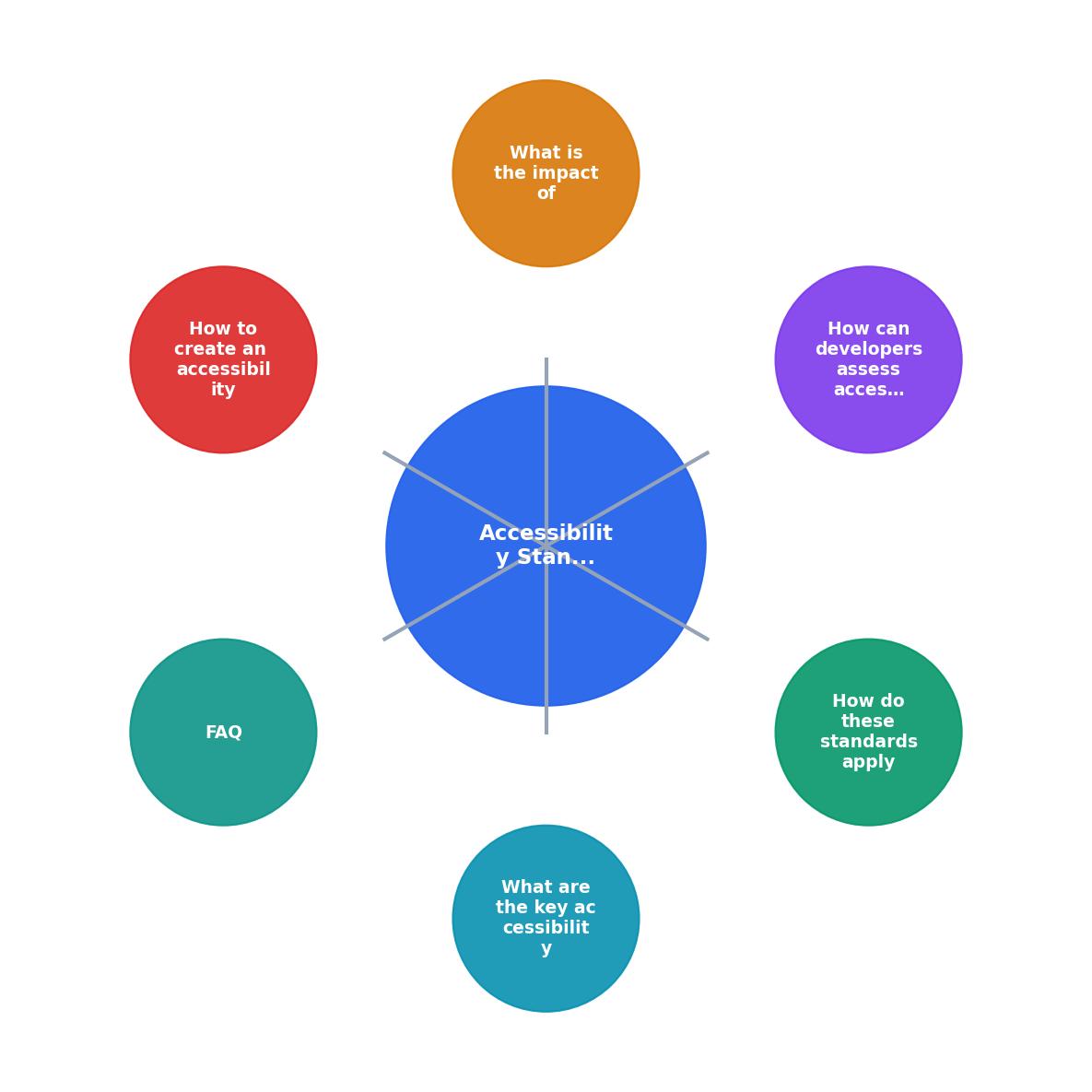
The following diagram shows how these steps fit into a standard development cycle:
Compliance impact on development
with proper focus handling is simpler to maintain than a Accessibility Score: Before vs. After Checklist
Accessibility checklist for AI projects
AI Coding Accessibility Checklist
FAQ
Frequently Asked Questions
Additional Resources
Ready to Master Vibe Coding?