
You have an idea for an app, you picked Python because everyone says it is beginner-friendly, and now you are staring at a blank editor wondering where to start. Vibe coding flips that script: instead of memorizing syntax first, you describe what you want in plain English and let an AI assistant generate the code. This guide walks through the exact setup, libraries, and workflow so you can go from zero Python experience to a working application without a computer science degree.
- Vibe coding lets beginners build Python apps by describing intent to an AI tool instead of writing every line by hand.
- A lightweight setup (Python 3.12+, a virtual environment, and an AI-enabled editor like Cursor or VS Code with Copilot) is all you need.
- Key libraries such as Flask, NumPy, and Requests handle the heavy lifting while the AI handles boilerplate, letting you ship a working project in hours rather than weeks.
What is vibe coding in Python?
Vibe coding is a development approach where you communicate your goal to an AI coding assistant and iterate on the output instead of writing code from scratch. The term was coined by Andrej Karpathy in early 2025, and it caught on because it describes what thousands of non-engineers were already doing: prompting, reviewing, adjusting, shipping.
In a Python context, that means you open an AI-enabled editor, type something like "Create a Flask API that returns the current weather for a given city," and the assistant generates a runnable file. You test it, refine the prompt, and keep going.
This is not about ignoring what the code does. It is about starting from intent and learning the language through the code the AI produces. Every generated snippet becomes a micro-lesson in Python syntax, standard library usage, and project structure.
"Anyone can use AI to make their own software.">, Introducing Vibe Coding: I Write Python For The First Time
Set up your Python environment

Getting the environment right removes 90% of beginner frustration. Here is the short version:
- Install Python 3.12+ from python.org. Check the "Add to PATH" box on Windows.
- Create a project folder and open it in your editor.
- Set up a virtual environment so dependencies stay isolated:
python -m venv .venv
- Activate it:
- Windows:
.venv\Scripts\activate - macOS/Linux:
source .venv/bin/activate - Install an AI-enabled editor. Cursor ships with built-in AI chat. VS Code works with GitHub Copilot or the Continue extension.
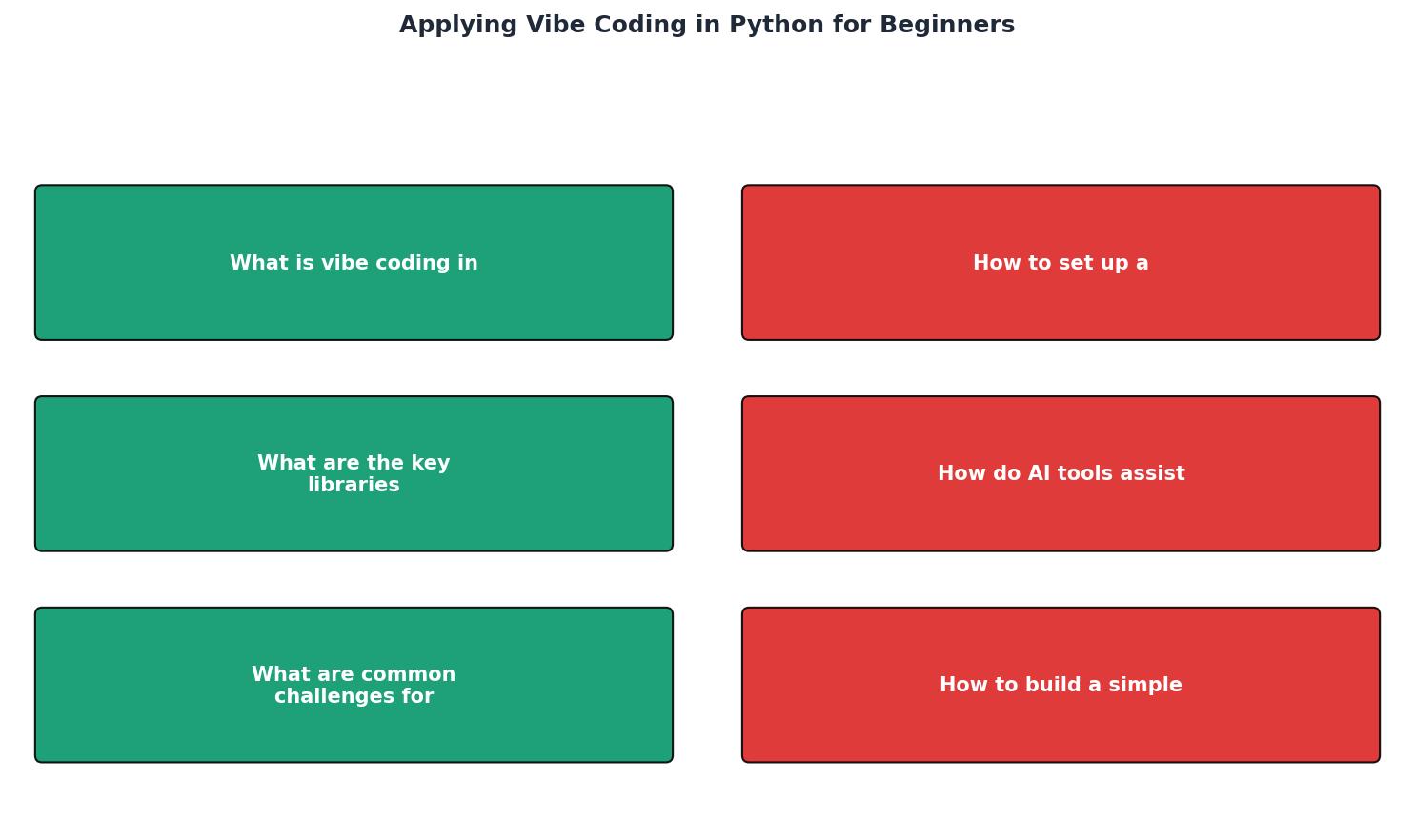
The diagram above shows the loop: Describe intent, Generate code, Run and test, Refine prompt, Ship. Each cycle takes minutes, not days.
requirements.txt file. Run pip freeze > requirements.txt after installing packages so you can recreate the environment on any machine.Key libraries for vibe coding
Python's ecosystem is enormous, but beginners only need a handful of libraries to build real things. Here is the short list, organized by what you are building:
| Category | Library | What it does |
|---|---|---|
| Web apps | Flask | Lightweight web framework, perfect for APIs and small sites |
| Data work | NumPy, pandas | Array math and tabular data manipulation |
| HTTP requests | Requests | Call external APIs with one line |
| AI/ML | TensorFlow, scikit-learn | Machine learning models and training |
| Automation | schedule, watchdog | Run tasks on timers or file-system events |
Install any of them with a single command:
pip install flask pandas requests
The AI assistant already knows these libraries well. When you prompt "Build a Flask endpoint that reads a CSV and returns JSON," it will import pandas, load the file, and serialize the output correctly on the first try in most cases.
How AI tools assist Python development
AI coding assistants do three things that matter for beginners:
- Generate boilerplate. Setting up a Flask app with proper error handling, CORS headers, and a health-check endpoint takes about 40 lines. The AI writes them in seconds.
- Explain code on demand. Highlight a block, ask "What does this do?", and get a plain-English explanation. This replaces hours of Stack Overflow browsing.
- Debug errors. Paste a traceback into the chat, and the assistant identifies the root cause and suggests a fix. For beginners, this is the single biggest time saver.
The tools that work best for Python vibe coding right now:
- Cursor (standalone editor with built-in AI chat and code generation)
- GitHub Copilot (VS Code extension, autocomplete plus chat)
- Claude via API or the Anthropic console (long-context reasoning, great for architecture questions)
- ChatGPT with Code Interpreter (runs Python in a sandbox, useful for data exploration)
Common challenges and how to fix them
Beginners hit the same walls repeatedly. Here are the top five and what to do about each:
- "It works on my machine" syndrome. The AI generates code that runs in its sandbox but fails on yours because of a missing dependency. Fix: always run
pip installfor every import the AI uses. - Trusting output blindly. The AI can produce code that looks correct but has subtle bugs, like using
==instead ofisforNonechecks, or catching broad exceptions. Fix: read every generated function before running it. - Prompt vagueness. "Make a website" produces garbage. "Create a Flask app with two endpoints: GET /items returns a JSON list, POST /items adds an item to an in-memory list" produces something usable. Fix: be specific about inputs, outputs, and data structures.
- Dependency conflicts. Installing packages globally leads to version clashes. Fix: always use a virtual environment (covered in the setup section above).
- Scope creep. You start with a to-do app and end up prompting for user authentication, email notifications, and a React frontend before the first endpoint works. Fix: ship the smallest version first, then iterate.
Build a simple app with vibe coding
Here is a concrete example. You want a command-line tool that fetches the top five Hacker News stories and prints their titles.
Step 1: Describe the intent to your AI assistant.
Prompt: "Write a Python script that calls the Hacker News API, fetches the top 5 story IDs, retrieves each story's title, and prints them numbered 1 through 5."
Step 2: Review the generated code. The AI will likely produce something like this:
import requests

def get_top_stories(count=5):
    top_url = "https://hacker-news.firebaseio.com/v0/topstories.json"
    story_ids = requests.get(top_url).json()[:count]
    for i, sid in enumerate(story_ids, 1):
        story = requests.get(
            f"https://hacker-news.firebaseio.com/v0/item/{sid}.json"
        ).json()
        print(f"{i}. {story.get('title', 'No title')}")

if __name__ == "__main__":
    get_top_stories()
Step 3: Run it.
pip install requests
python hn_top.py
Step 4: Refine. Ask the AI to add error handling for network failures, or to save results to a JSON file, or to accept the count as a command-line argument. Each refinement teaches you a new Python concept (try/except, json.dump, argparse).
The dashboard below shows what a typical beginner vibe coding session looks like in terms of time allocation:
Typical 1-Hour Vibe Coding Session
Notice that most time goes into describing what you want and reviewing what you get. The actual "coding" is handled by the AI.
Traditional vs. AI-assisted approaches
| Traditional Python Learning | Vibe Coding Approach |
|---|---|
| Learn syntax before building | Build first, learn syntax from output |
| Write every line manually | AI generates, you review and edit |
| Debug with print statements and docs | Paste traceback, get instant explanation |
| Weeks to first working project | Hours to first working project |
| Deep understanding from day one | Understanding grows with each iteration |
| High dropout rate for beginners | Lower barrier keeps momentum going |
Neither approach is strictly better. Traditional learning builds deeper foundations. Vibe coding gets you shipping faster. The sweet spot is using vibe coding to build something real, then going back to understand the "why" behind each generated line. The Vibe Coding Bible at vibecodingbible.org covers this hybrid approach in depth, showing how to combine speed with engineering discipline.
Your First Vibe Coding Python Project
Your progress is saved automatically in your browser.
FAQ
Frequently Asked Questions
try/except block you did not ask for, you learn about exception handling in the exact context of your project. AI tools also reduce the fear of breaking things, because you can always prompt "undo that last change" or "rewrite this function without the database dependency." That psychological safety keeps beginners building instead of quitting.What was the first Python project you built (or want to build) using AI assistance? Share your experience below.
Additional Resources
- Introducing Vibe Coding: I Write Python For The First Time - Vibe Coding is an AI-based programming method that allows developers to express their intended results in natural language.
- Python vibe coding - vibe coding truly works hand-in-hand with developers—those who are open to experimenting, exploring, and trying new approaches ...
- Vibe Coding: Use AI & Python to Automate and Prototype ... - This course teaches Vibe Coding and Context Engineering — a modern way to build automations, scrapers, and creative prototypes using LLMs and Python. You'll use ...