
You shipped a working prototype in a weekend using Cursor or Claude. The app runs, the buttons click, the data saves. Then three weeks later a user reports that their private data is visible to everyone, and you have no idea where to even start looking. Reviewing AI-generated code is not optional, and you do not need a computer science degree to do it well.
Photo by Nimit Kansagra from Pexels
TL;DR:- Non-engineers can catch the majority of critical AI code issues by focusing on structure, security patterns, and output behavior rather than syntax.
- A simple checklist covering error handling, data exposure, hardcoded secrets, and test quality will flag problems before they reach users.
- Collaboration with technical reviewers multiplies your effectiveness; you bring domain knowledge they lack.
Why Non-Engineers Need to Review Code
The assumption that only developers can evaluate code quality is outdated. When you build with AI tools like Cursor, Copilot, or Lovable, you are the person who understands the business logic. You know what the app should do. A developer reviewing your code might miss that the discount calculation is wrong by 2% because they do not know your pricing model.
Roughly 40% of AI-generated code contains functional or security issues on the first pass. That number drops significantly when someone with domain knowledge reviews the output before deployment. Your job is not to understand every line of syntax. Your job is to verify that the code does what you asked, handles failures gracefully, and does not expose sensitive data.
Skipping review because "it works on my machine" is how apps break in production. The cost of fixing a bug after launch is 10x higher than catching it during review.
Understanding AI Output
AI code generators produce code that looks correct. It follows naming conventions, includes comments, and often compiles without errors. That surface-level polish hides real problems.
Here is what AI-generated code typically includes:
- Boilerplate structure that matches common patterns from training data
- Plausible variable names that suggest the code does the right thing
- Comments that describe what the code appears to do (not necessarily what it actually does)
- Test files that pass but may test trivial behavior
"The difference matters for AI-generated code because AI tools can produce code and matching tests that achieve 90%+ line coverage while testing nothing of substance.">, How to Review AI
The key insight: AI optimizes for plausibility, not correctness. It generates code that looks like a solution. Your review process needs to verify it is a solution.
When you see a test suite with 90% coverage, ask: does it test edge cases? Does it test what happens when a user enters unexpected input? Coverage numbers alone mean nothing.
Common Errors in AI Code

You do not need to read every line to spot these patterns. Here are the most frequent issues, ranked by how dangerous they are:
- Hardcoded secrets: API keys, database passwords, or tokens written directly in the code. Search for strings like
sk-,password,secret, orAPI_KEYin the codebase. - Missing error handling: The code assumes everything works. No checks for network failures, empty databases, or invalid user input. Look for
try/catchblocks (or their absence). - Data exposure: User data returned in API responses without filtering. A user profile endpoint might return the password hash alongside the username.
- Outdated dependencies: AI models trained on older data suggest libraries with known security vulnerabilities. Check package versions against current releases.
- Hallucinated functions: AI sometimes calls functions that do not exist in the library it references. The code compiles but crashes at runtime.
- Race conditions: Two operations that should happen in sequence happen simultaneously, causing data corruption. Common in payment and inventory flows.
Tools That Help Non-Engineers Review
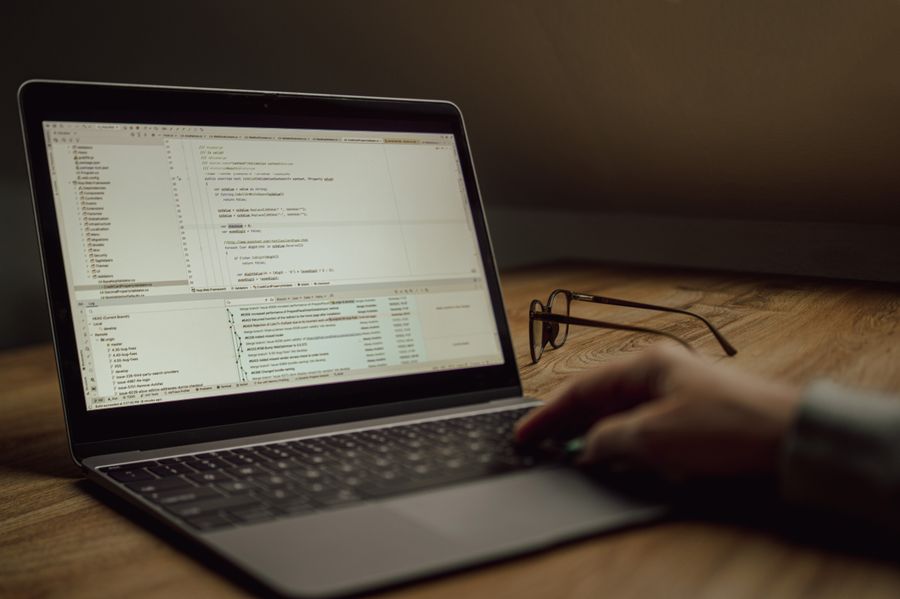
You do not need to read raw code in a terminal. Several tools translate code into something reviewable:
| Tool | What It Does | Skill Level Needed |
|---|---|---|
| GitHub Pull Requests | Shows changes side-by-side with color coding | Low |
| SonarQube | Scans for bugs, vulnerabilities, and code smells automatically | Low |
| Snyk | Checks dependencies for known security issues | Low |
| CodeScene | Visualizes code complexity and hotspots | Medium |
| ChatGPT / Claude | Ask it to explain what a code block does in plain English | Low |
For dependency scanning, run npm audit (JavaScript) or pip audit (Python) in your project. These commands list known vulnerabilities in your installed packages with zero code knowledge required.
The following dashboard shows what a typical non-engineer review session might track:
Example Review Session Findings
Steps to Conduct a Code Review
This is the process that works for non-engineers. It takes 20 to 45 minutes per feature and catches the issues that actually break apps in production.
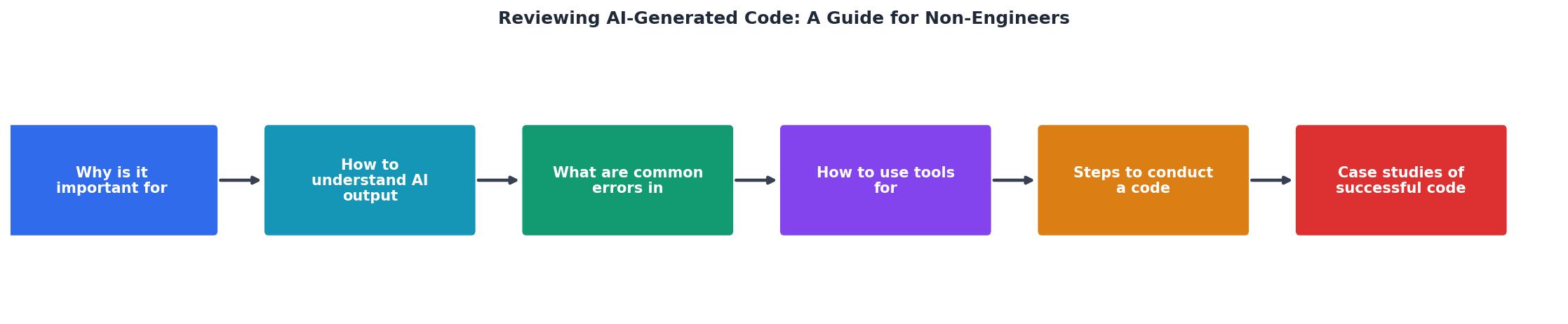
Follow these steps in order:
- Read the diff: Open the pull request or changeset. Scan for files you recognize (routes, pages, database models). Ignore styling files on the first pass.
- Search for secrets: Use your editor's search to look for
password,secret,key,token,sk-. Any match is a red flag. - Check error handling: Find the main functions. Do they handle the case where something fails? Look for
try,catch,if (error), orelseblocks. - Verify data filtering: Look at API endpoints. Do they return only the fields the user should see? A
/api/userendpoint should not returnpasswordHashorinternalNotes. - Run the tests: Execute the test suite. If tests pass, read a few test files. Do they test real scenarios or just check that
1 + 1 = 2? - Test manually: Click through the feature as a user. Try empty inputs, special characters, and actions you should not be allowed to do.
- Ask AI to explain: Paste complex blocks into ChatGPT or Claude. Ask "What does this do?" and "What edge cases could break this?"
- Document findings: Write down what you found. Share with your technical collaborator or fix the straightforward issues yourself.
Collaborating With Technical Reviewers
The best code reviews combine domain expertise with technical depth. You bring the "what should happen" knowledge. A developer brings the "how it happens under the hood" knowledge.
Effective collaboration looks like this:
- You flag behavior issues: "This checkout flow should not allow negative quantities."
- They flag implementation issues: "This database query is vulnerable to SQL injection."
- You verify business logic: "The discount should apply before tax, not after."
- They verify architecture: "This function should be async to avoid blocking the server."
Teams that combine domain-expert review with technical review catch roughly 65% more bugs than either approach alone. The investment is small: 30 minutes total per feature (15 minutes each, plus a 15-minute sync).
Non-Engineer Code Review Checklist
Your progress is saved automatically in your browser.
FAQ
Frequently Asked Questions
npm audit and pip audit check for known security issues in your project's packages with a single command.password, secret, or API_KEY. Look for the absence of error handling (no try/catch blocks around network calls or database queries). Check API responses by running the app and inspecting what data comes back in your browser's developer tools (Network tab). Test edge cases manually: empty forms, negative numbers, special characters, and actions your user role should not allow.What is the first thing you check when reviewing AI-generated code? Share your approach and any patterns you have noticed.
Additional Resources
- How to Review AI-Generated Code - Shift Asia - AI-generated code looks clean, but fails differently. Learn how to review it with a 6-layer checklist covering requirement fidelity, API integrity, ...
- AI-Assisted Coding: A Practical Guide for Software Engineers - This is Part 1 of a two-part series. This guide covers everything you need as an individual developer: how AI code generation actually works ...
- The Invisible Cost of AI-Generated Code Reviews - AI-generated code increases the burden of verifying plausible correctness. The code may compile, pass tests, and meet linting standards, but ...